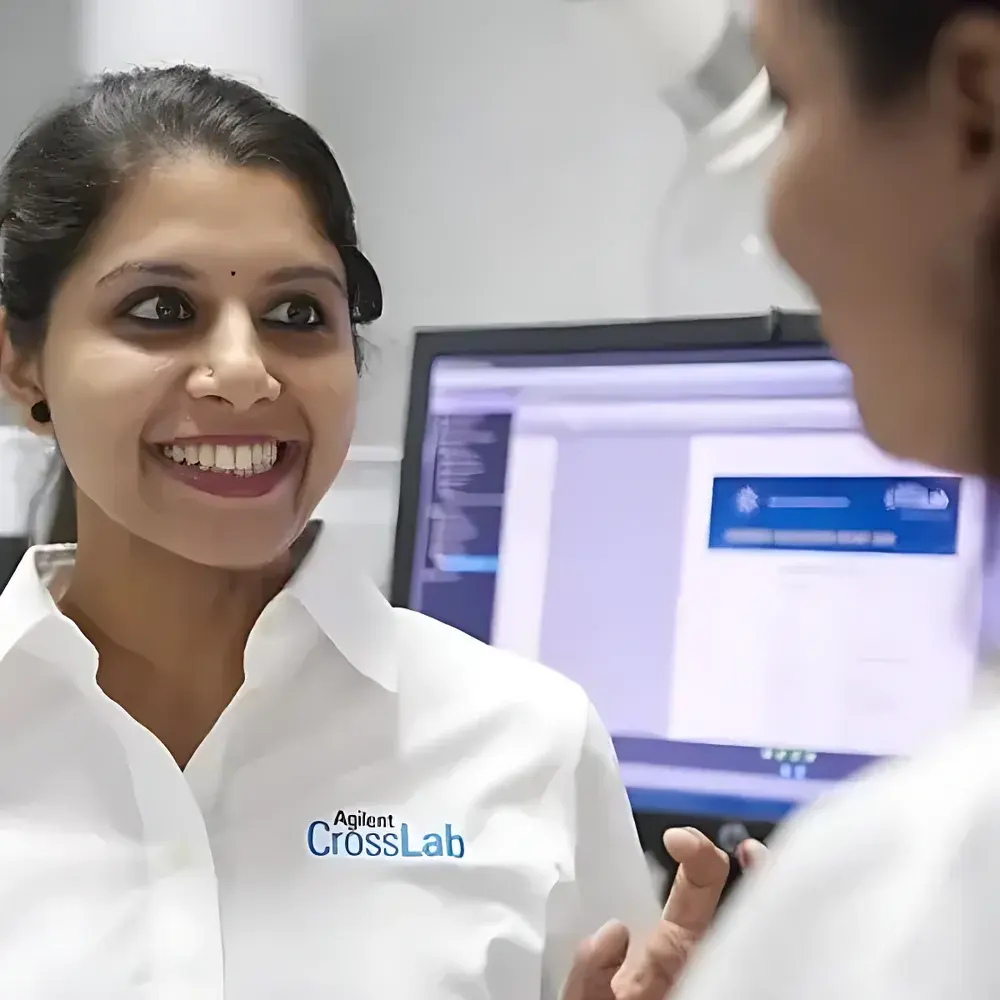
Agilent On-Demand Repair & Maintenance Service for Instrument Control Workstations
| Brand | Agilent Technologies |
|---|---|
| Origin | Beijing, China |
| Manufacturer Type | Original Equipment Manufacturer (OEM) |
| Regional Classification | Domestic (China) |
| Model | Workstation Software Support Service |
| Pricing | Available Upon Request |
Overview
Agilent On-Demand Repair & Maintenance Service for Instrument Control Workstations is a targeted technical support offering designed specifically for laboratories operating Agilent-branded analytical instrumentation—such as GC, GC/MS, LC, LC/MS, and ICP-MS systems—that rely on Agilent’s proprietary instrument control software platforms (e.g., OpenLab CDS, MassHunter, ChemStation, and earlier legacy workstation environments). This service addresses critical software-related disruptions—including application crashes, configuration corruption, OS incompatibility, failed updates, license validation errors, and data migration failures—without requiring an active Agilent Care contract. It delivers rapid-response, engineer-led resolution aligned with Agilent’s internal diagnostic protocols and validated deployment procedures, ensuring continuity of regulated analytical workflows while maintaining traceability and audit readiness.
Key Features
- Crash Recovery & System Restoration: Immediate remote or on-site intervention to diagnose root causes of workstation instability, restore corrupted software environments, reconfigure instrument drivers and communication layers (e.g., GPIB, USB, LAN), and reinstate validated software states—including version-matched binaries, patch levels, and security settings.
- No-Contract Accessibility: Available as a pay-per-incident service; no annual maintenance agreement required. Customers may initiate support via dedicated regional service hotline with SLA-defined response windows (e.g., 4-hour remote triage, next-business-day on-site dispatch where applicable).
- OS & Platform Upgrade Support: Certified assistance for controlled migration of Agilent software to supported Windows OS versions (e.g., Windows 10/11 LTSC editions), including pre-upgrade compatibility assessment, driver validation, registry integrity checks, and post-installation functional verification per instrument class.
- On-Site Installation & Configuration: Deployment of new workstation software instances—including license activation, instrument-specific method transfer, network integration (e.g., domain authentication, firewall port configuration), and hardware interface testing—per Agilent’s documented installation checklists.
- Hands-On Operator Training: Role-based, on-site training delivered by Agilent-certified Field Application Engineers covering core navigation, method setup, data acquisition, report generation, audit trail review, and basic troubleshooting—aligned with ISO/IEC 17025 competency requirements and GLP documentation expectations.
Sample Compatibility & Compliance
This service applies exclusively to Agilent-manufactured instruments and their native control software ecosystems. It supports all current and legacy Agilent workstation platforms deployed on Windows-based laboratory PCs meeting minimum hardware specifications defined in Agilent’s official system requirements documents. All interventions adhere to Agilent’s internal Quality Management System (QMS), which is certified to ISO 9001:2015. Software reinstalls and configurations are performed using Agilent-validated installers and digital signatures, preserving compliance with FDA 21 CFR Part 11 requirements for electronic records and signatures when enabled. Documentation—including service reports, configuration logs, and training sign-off sheets—is provided in English and retained per customer-requested retention policies.
Software & Data Management
Service engagements include full documentation of software state prior to intervention (via system snapshot or registry export), version-controlled software binaries sourced directly from Agilent’s secure distribution repository, and post-service verification reports detailing installed components, patch levels, license status, and functional test results. For laboratories under GxP or ISO/IEC 17025 oversight, optional add-ons include electronic audit trail capture (where supported by the software version), change control documentation templates, and evidence packages suitable for internal audits or regulatory inspections. All remote access activities comply with Agilent’s cybersecurity policy and require explicit customer authorization per session.
Applications
- Restoring operational continuity after unexpected workstation failure during regulated batch release testing (e.g., pharmaceutical QC, clinical diagnostics).
- Enabling timely adoption of new software releases required for instrument firmware upgrades or method validation updates.
- Supporting laboratory relocation or IT infrastructure refresh projects involving coordinated software reinstallation across multiple instrument workstations.
- Addressing intermittent software faults that compromise data integrity or prevent audit trail generation in GLP/GMP environments.
- Accelerating staff onboarding or role transition through standardized, vendor-led software competency training.
FAQ
Is this service compatible with third-party instruments controlled via Agilent software?
No. This service is limited to Agilent-branded instruments and officially supported Agilent software platforms only.
Does the service include hardware repair or replacement of the workstation PC?
No. This offering covers software-level remediation and configuration only. Hardware diagnostics or replacement fall under separate Agilent hardware service contracts.
Can service be performed remotely for all issues?
Remote support is available for software diagnostics, configuration adjustments, and license reactivation. Physical access is required for OS reinstallation, driver recovery, or hardware interface validation.
Are service reports compliant with FDA 21 CFR Part 11?
Reports include electronic signatures and timestamps where applicable; however, full Part 11 compliance depends on the customer’s local implementation of audit trail, electronic signature, and system validation controls.
How quickly can an engineer be dispatched onsite after request submission?
Standard SLA guarantees remote triage within 4 business hours; onsite dispatch is scheduled within 1–3 business days depending on geographic location and service level tier selected.
Related Products