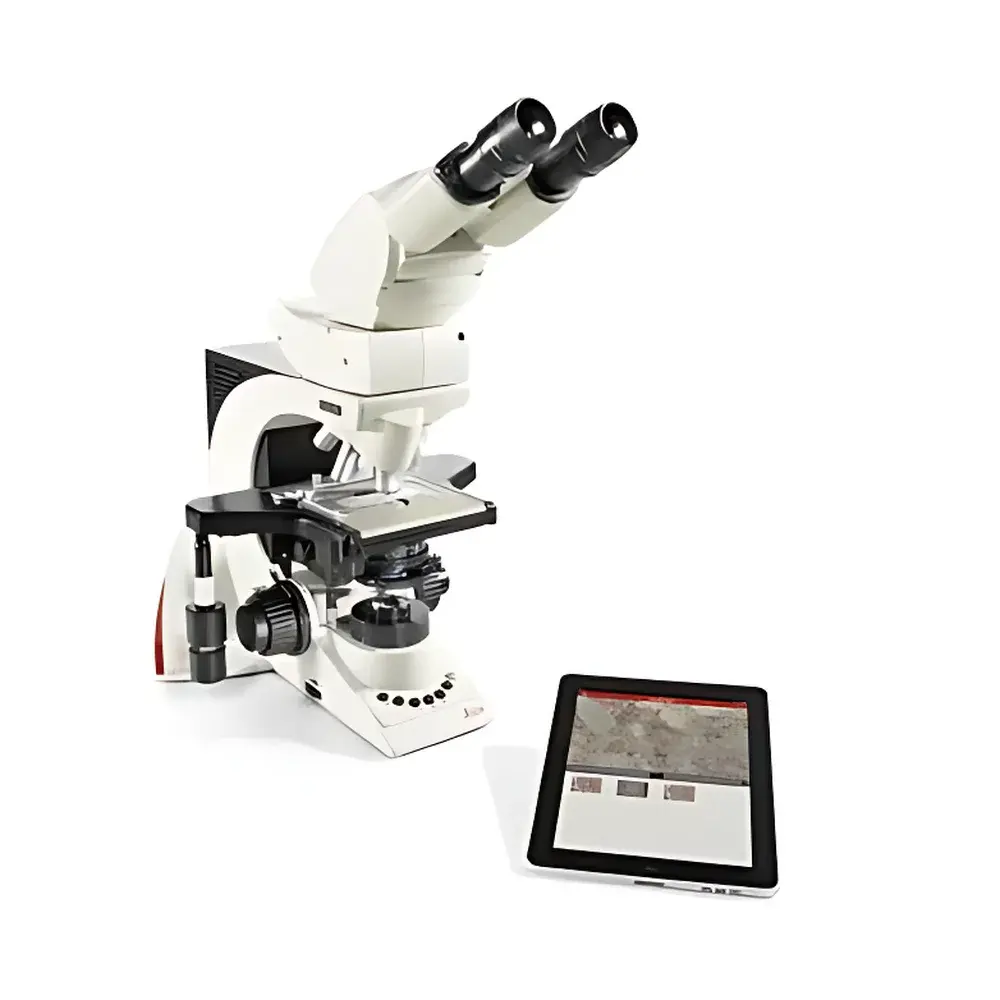
Leica DM Share Wireless Microscopy Imaging System
| Brand | Leica |
|---|---|
| Origin | Germany |
| Microscope Type | Upright Metallurgical Microscope |
| Model | DM Share |
| Total Magnification | 1000× |
| Eyepiece | 10× |
| Objective | 100× |
| Camera Interface | USB 2.0 (compatible with Leica ICC50 HD) |
| Wireless Connectivity | Wi-Fi (ad-hoc and infrastructure modes) |
| Operating Platform | iOS (iPad only) |
| Software | Leica DM Share App (free download via App Store) |
| Compliance | CE, RoHS, IEC 61000-6-3 |
Overview
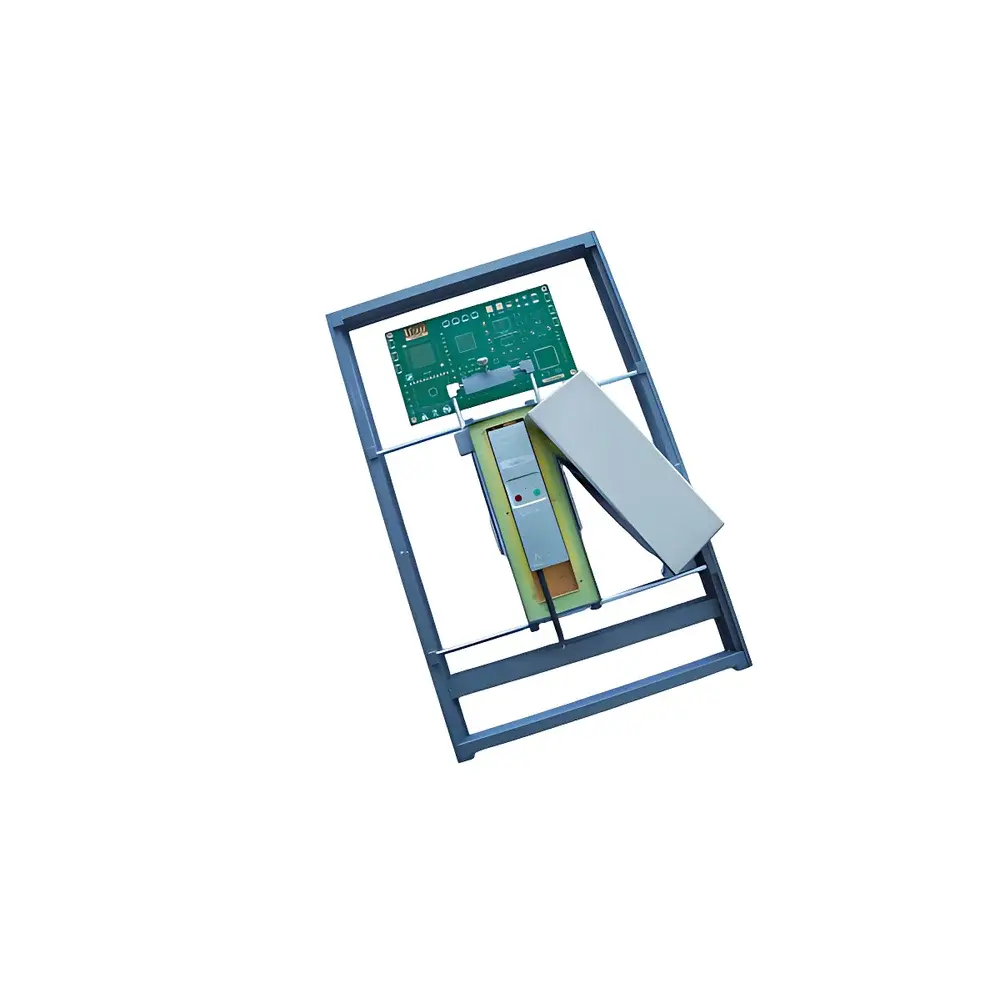
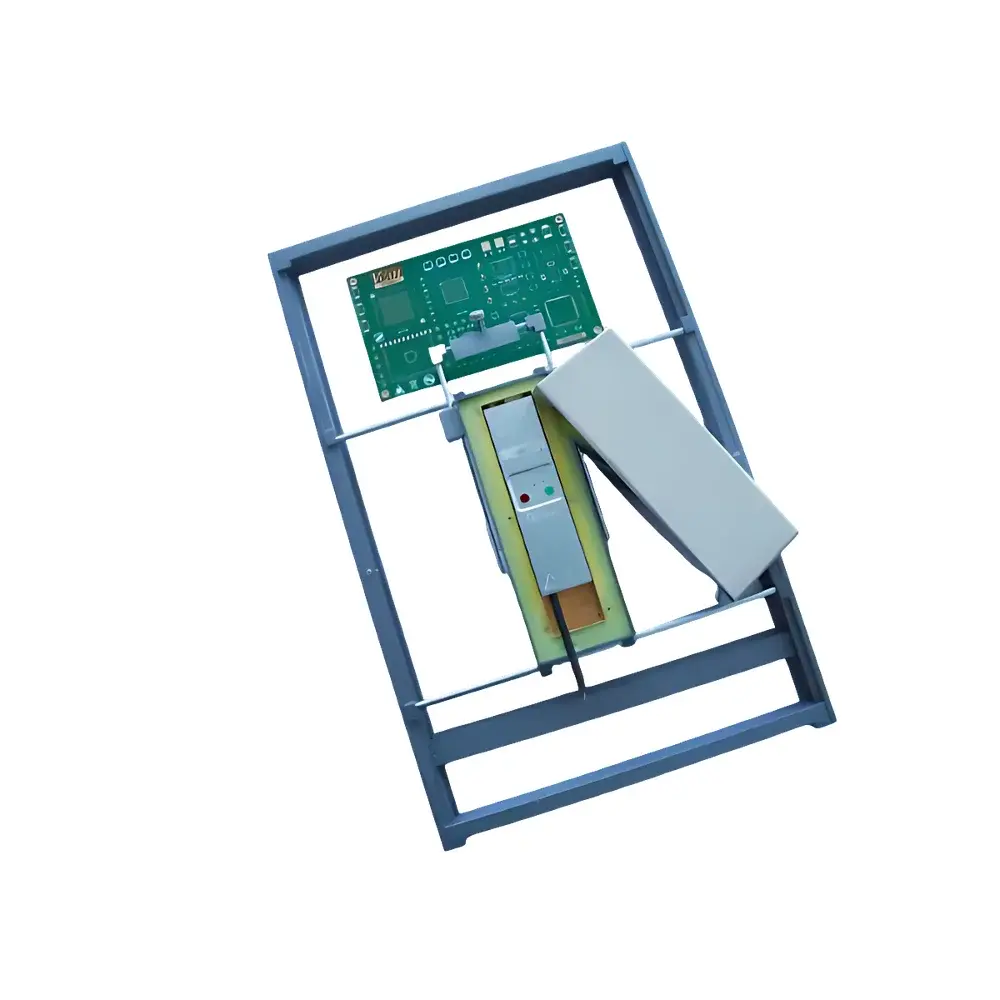
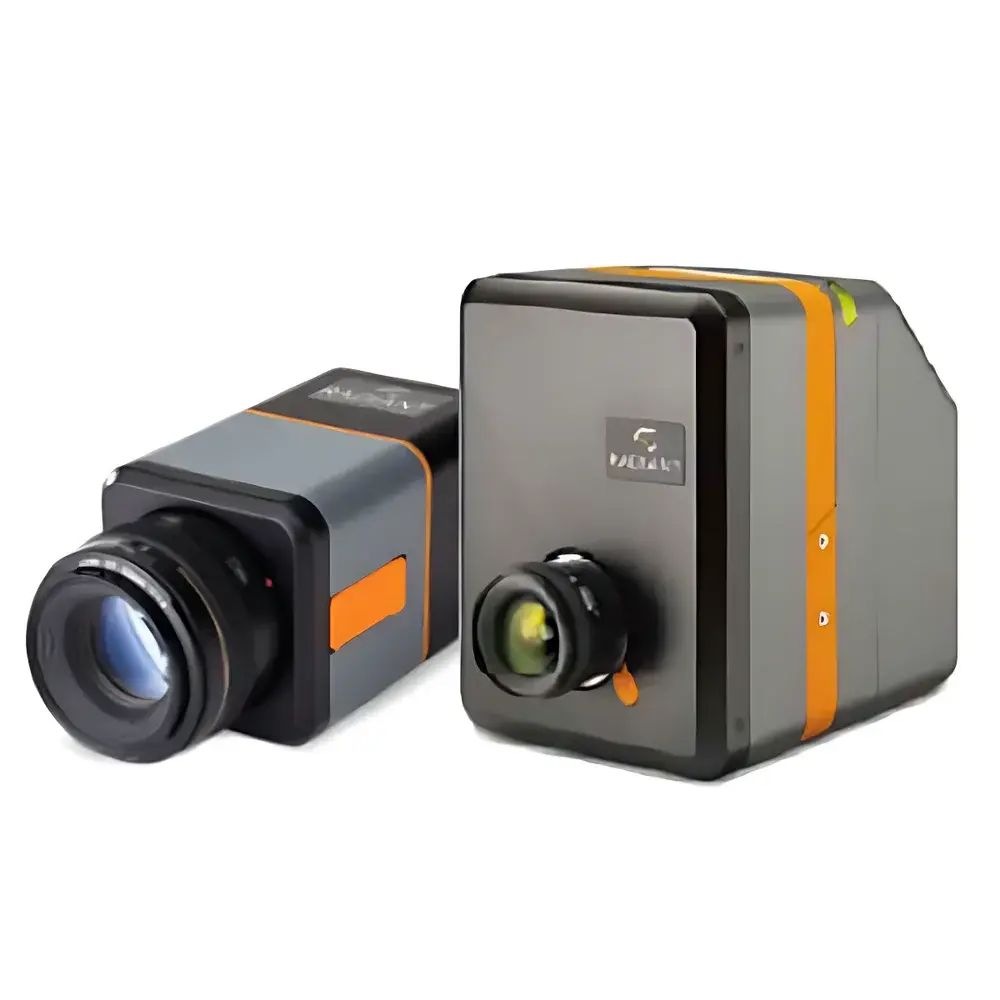
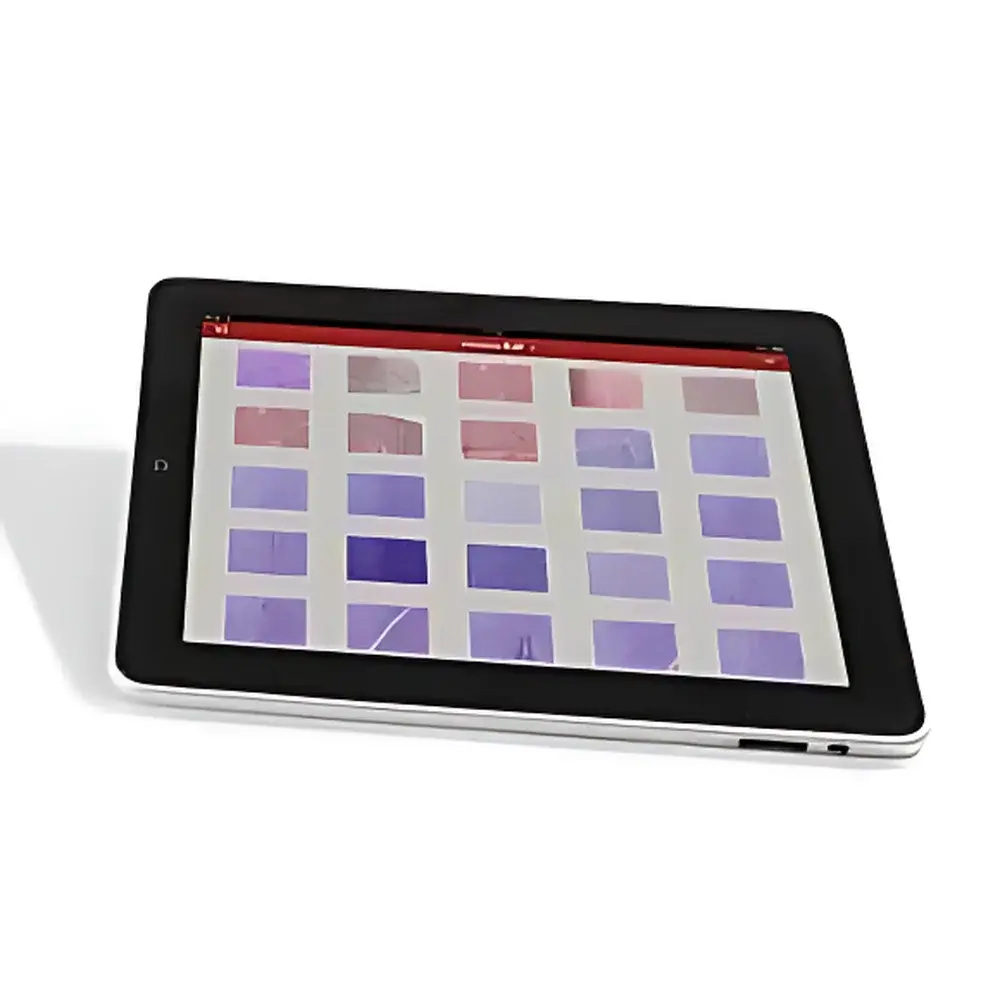
The Leica DM Share is a purpose-engineered wireless imaging solution designed to integrate seamlessly with Leica upright metallurgical microscopes—specifically configured for use with the Leica ICC50 HD digital camera module. Unlike conventional microscope camera systems requiring direct cabling or dedicated workstations, the DM Share leverages embedded hardware and iOS-native software to transmit live high-resolution video streams from the ICC50 HD sensor directly to iPad devices over a local Wi-Fi network. Its operational principle relies on real-time USB video class (UVC) streaming, converted and broadcast via an onboard Wi-Fi access point or bridged through existing institutional networks. This architecture eliminates latency-sensitive dependencies on external PCs while preserving full frame integrity at standard microscopy frame rates (up to 30 fps at 1280 × 1024). The system is engineered for environments where collaborative visual analysis, rapid image capture, and flexible user mobility are critical—particularly in metallurgical laboratories, failure analysis centers, and academic teaching facilities where sample evaluation must be both precise and participatory.
Key Features
- Zero-latency wireless video streaming from Leica ICC50 HD to iPad via integrated Wi-Fi module
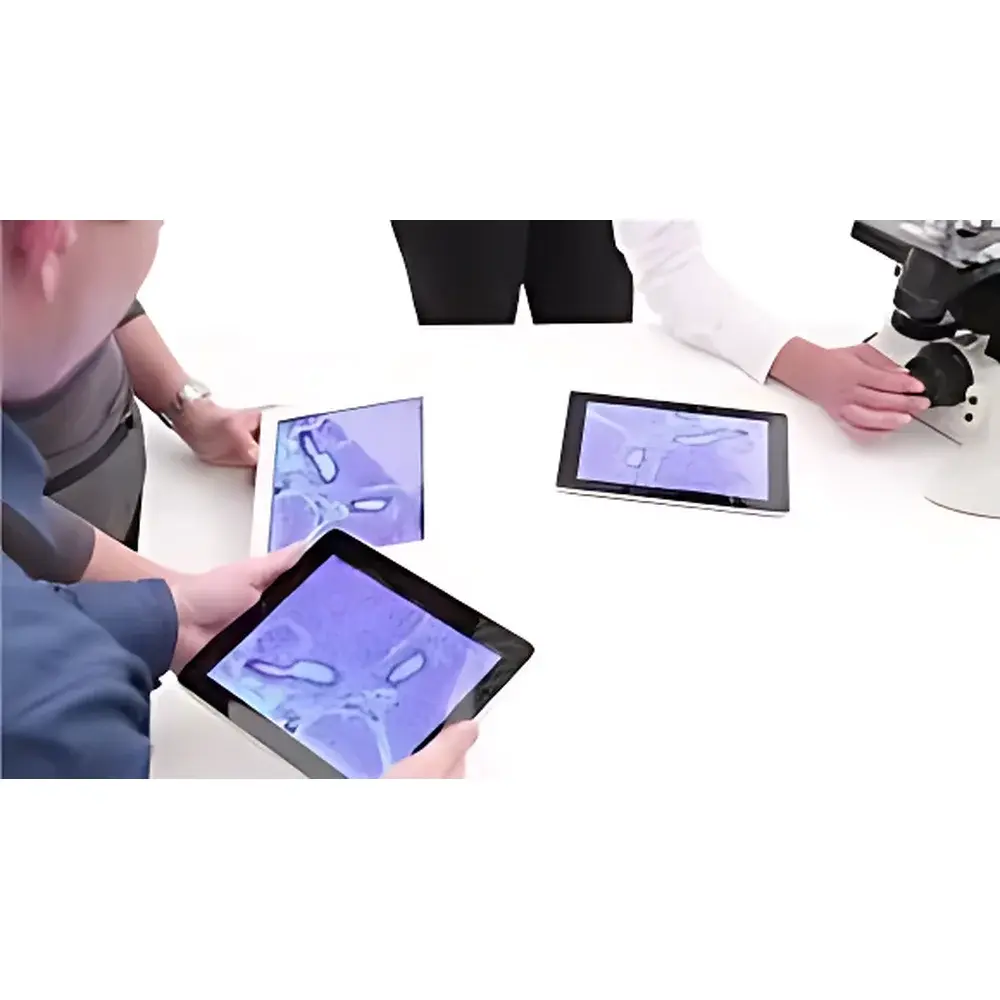
- Simultaneous multi-user access: up to four iPads can connect and view the same live feed concurrently
- Standalone operation mode: functions in ad-hoc (peer-to-peer) Wi-Fi configuration without reliance on enterprise network infrastructure
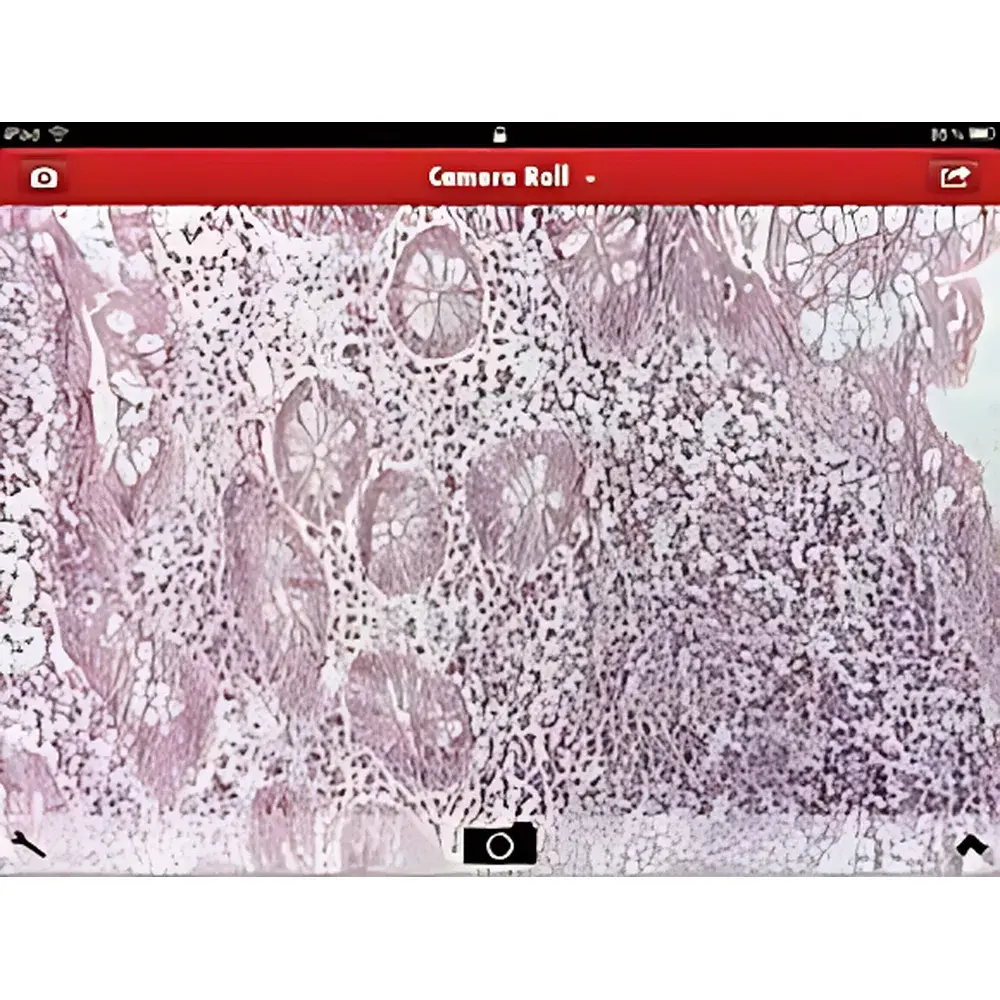
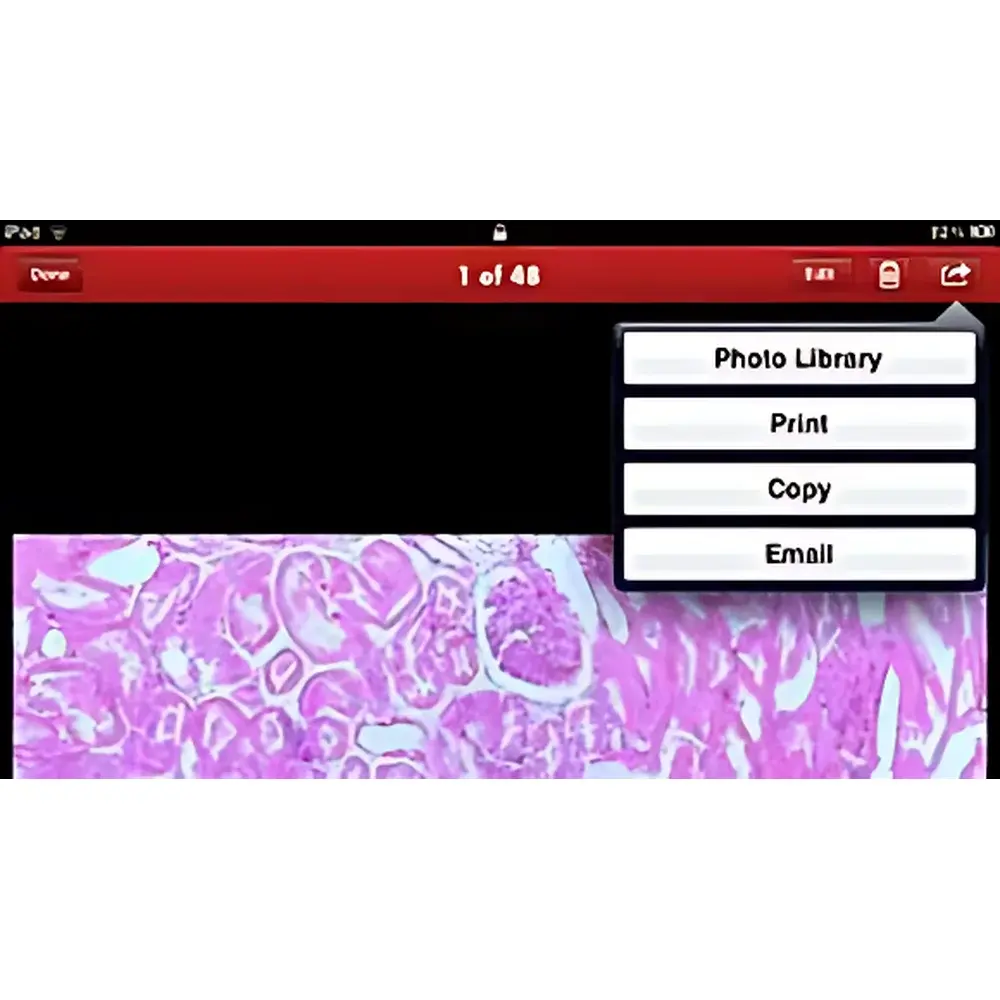
- One-touch image capture: tap any area of the live preview to save TIFF or JPEG files directly to the iPad’s Photos library
- No PC dependency: all processing—including stream encoding, network management, and metadata tagging—is handled internally by the DM Share hardware unit
- Firmware-upgradable architecture supporting future enhancements to resolution handling, annotation tools, and DIC/phase contrast metadata overlays
Sample Compatibility & Compliance
The DM Share is validated for use with Leica DM series upright metallurgical microscopes equipped with the ICC50 HD camera and standard C-mount interface. It supports standard metallurgical specimen preparation methods including polished and etched metallographic sections, fracture surfaces, coated substrates, and additive manufacturing cross-sections. While not itself a measurement instrument, the system preserves native pixel geometry and optical magnification calibration when used with Leica’s certified objective lenses (e.g., 10×, 50×, 100× Plan Apo) and 10× wide-field eyepieces—ensuring traceable spatial fidelity for qualitative documentation. The device complies with EU Directive 2014/53/EU (Radio Equipment Directive), EN 61326-1:2013 (EMC for laboratory equipment), and EN 62366-1:2015 (usability engineering for medical-related applications—applicable where used in materials testing per ISO 17025-accredited labs).
Software & Data Management
The Leica DM Share App (v3.2+, iOS 14.0 or later) provides a streamlined interface for live viewing, still capture, and basic annotation. Captured images retain EXIF metadata including microscope model, objective magnification, illumination mode (brightfield/darkfield), and timestamp. All data remains locally stored on the iPad unless manually exported via AirDrop, iCloud, or third-party LIMS-compatible file transfer protocols. No cloud synchronization or remote telemetry occurs by default; the system operates within closed local networks, aligning with IT security policies common in regulated industrial QA/QC environments. Audit trail functionality is not embedded but may be supplemented via institutional MDM (Mobile Device Management) solutions that log app usage and export events—supporting GLP-aligned documentation workflows where required.
Applications
- Metallurgical education: enables instructors to project live microstructures to multiple student iPads during lab sessions without repositioning specimens or sharing oculars
- Failure analysis review: facilitates real-time multidisciplinary discussion among engineers, metallurgists, and quality assurance staff around a single specimen without physical crowding at the microscope station
- Customer-facing technical demonstrations: allows sales engineers to wirelessly showcase microstructural features of heat-treated alloys, weld zones, or corrosion products during on-site evaluations
- Documentation archiving: supports rapid generation of annotated image sets for internal reports, ASTM E3-22-compliant metallographic records, or ISO 9001 audit evidence packages
FAQ
Is the DM Share compatible with Android tablets or Windows laptops?
No. The DM Share system is exclusively designed for iPad devices running iOS 14.0 or later and does not support Android, macOS, or Windows platforms.
Does it require a router or existing Wi-Fi infrastructure?
No. The DM Share generates its own Wi-Fi access point (SSID: “Leica_DM_Share_XXXX”) and operates independently of external networks.
Can captured images be time-stamped and associated with microscope configuration data?
Yes. Each saved image includes embedded EXIF tags indicating objective magnification, camera exposure settings, and system timestamp—enabling traceable correlation with lab notebooks or LIMS entries.
What is the maximum supported resolution and frame rate?
The system delivers live video at 1280 × 1024 pixels @ 30 fps, matching the native output of the ICC50 HD camera module.
Is firmware update capability available?
Yes. Firmware updates are distributed via Leica’s official service portal and installed using the DM Share App in conjunction with a USB-connected iPad.